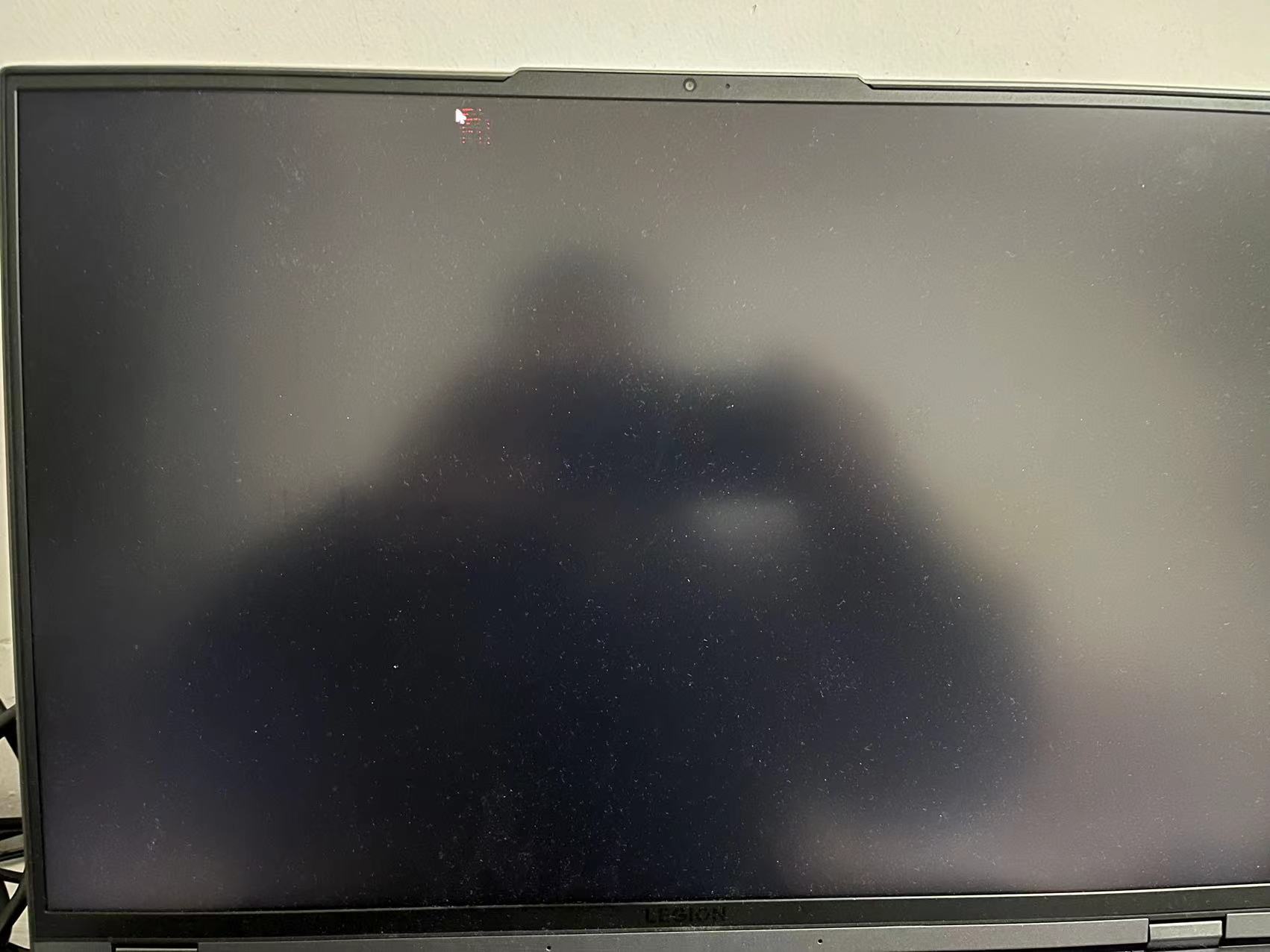
I have a Lenovo laptop with Intel iris xe graphics card, it crashes randomly, the screen become full of random colors for a few seconds, then system reboot.
I have tried driver version 31.0.101.3251 and 31.0.101.3277, they have the same problem.
It’s started from drive version 31.0.101.3251, after install this driver and reboot, the issue occurs.
The issue appears randomly, no special application related.
There is no blue screen, no event logs, other applications and the secondary screen works fine, only the primary screen become colorful then system reboot.
After last crash I found the driver rolled back from 31.0.101.3277 to 31.0.101.3251, I’m not sure if it’s done by Windows, I’ll try to remove 3251 completely and monitor.
Open the application and select “Everything”, click on “Scan” to see the system and device information. By default, Intel® SSU will take you to the “Summary View”. Click on the menu where it says “Summary” to change to “Detailed View”. To save your scan, click on “Next”, then “Save”. Please attach the file to your reply.
I have tested drvier 31.0.101.3430 / 31.0.101.1109, without the secondary screen, the same problem happened.
The only differece is system will not reboot, screen turns black, mouse cannot move and some red lines around the mouse.
From the attached report I found some interesting log, but there is no additional data provided:
An error was detected.
Error message: Entering error state, will request WDF to reset the driver
-------------------------------------------------------------------
An error was detected.
Error message: Changing state to Power State Error, Message: Timed out waiting for CM
-------------------------------------------------------------------
An error was detected.
Error message: Entering error state, will request WDF to reset the driver
-------------------------------------------------------------------
An error was detected.
Error message: Changing state to Power State Error, Message: Timed out waiting for CM
Seems the previous posted errors are not realted, from the error logs near the reboot, I can only see that I have to press the power button to force system shutdown.
Is is possible to be a hardware problem? maybe the graphics card is not tightly connected?
It is possible there is a hardware issue, but I would like to investigate further on this. Could you please confirm if the issue happens as well on BIOS screen or before the operating system loads?
Is the issue happening as well when using the latest recommended driver by Lenovo? You may find that driver by going to the Lenovo Support page (Official Lenovo Laptop, Accessories & PC Support - Lenovo Support US), or if you have installed any Lenovo driver update software.
Based on all the information and troubleshooting steps performed so far, this issue seems to be related to hardware issues. Our best recommendation is to contact Lenovo support for further assistance on this matter.
I got the same issue, My laptop is a Lenovo CPU i5-1135g7. it happened on the Intel driver’s latest version 31.0.x.x.x. I tried testing with a laptop display and an external display resulting in same both of them flickering randomly, pixel meltdown, or pixel crashing. So I’ll roll back to the driver version 30.x.x.x it works normally as it should have. I’ve been recording VDO and taking a photo to keep evidence.